


The most common (and easiest) thing to do on the internet is complain. The range of topics varies from person to person, but one consistent grumble circles around The Algorithm and it’s incorrect assumptions about what a person might want to consume.
“Why does my feed keep showing me Taylor Swift think pieces?”
“Substack, show me literally anyone who isn’t posting self-growth hacks.”
I am no Saint; I’ve definitely whined about my own feed more times than I can count, but after a short sulk, I usually do the obvious thing: adjust, use the search, explore a new site, or maybe even delete the app entirely if it’s no longer serving me.
What shocks me is how many people forget that option exists. I recently had a post of mine get some attention where I shared six cool sites to help expand your music library, and surprisingly, a large portion of the comments were people confessing they had forgotten how to use the internet. That broke my heart a little.
You can’t call it the “online world” if you never leave your feed. If your entire internet life happens inside TikTok, Instagram, YouTube, Reddit, or Twitter, you’re simply mall-walking, and malls are fine: predictable, climate-controlled, food courts and chain stores on every corner, but don’t mistake the mall for the city. The city is bigger, stranger, full of alleys, basements, and hidden doors. That’s the real internet, and you haven’t been there in a while.
This curriculum is designed to remind you what the internet used to be—and still is. I’ve built it to help you get your digital spark back. After this course, you won’t complain to the algorithm gods anymore, praying for a better feed. Instead, you’ll remember how to make the internet your bitch again.
Unit One: Getting Started
Before you can learn to be online again, you have to understand how you already use the internet. Growth requires a baseline, and most people have no idea how narrow their internet habits actually are.
This unit is about tracking yourself: what sites you visit, how you behave inside them, and what patterns your devices nudge you into.
Step One: Take Inventory
For one full day, write down:
Every website you visit: For this exercise, do not count unique profile pages on a platform. Two different Substack publications = one website (Substack).
How long you spent there.
What you actually did there (scroll, search, click, comment, buy, lurk): Pay attention to what types of content you are liking. Is it negative? Positive? Do you auto-like everything or save likes for what you love? When you post, what topics are you posting about? Are you talking about content you want to see more of or less? When you comment, why? Are you commenting out of support, anger, or worse—self-promotion?
Step Two: Notice Behaviors
After a full day of inventory, analyze your behavior. On your main sites, what do you actually do? Are you just scrolling? Do you ever leave your go-to app’s fyp? DO YOU USE THE SEARCH?
If you type “I don’t want to see XYZ” without using the actual Not Interested button, do you notice more or less of that content?
Spoiler: it’s more. Algorithms don’t think like us. Their goal is not to show you what you want to see; it’s to keep you on the platform. When you post “stop showing me sabrina carpenter think pieces,” it reads as: “Ah, Sabrina Carpenter keeps you here. Gotcha.”
Are you traveling the online world with intention, or letting your apps baby-bird content into your mouth?
I’m not judging you. I swear. I won’t even see your notes, so be honest. Look at your habits and—like I do with every conversation I’ve ever had—analyze the hell out of it.
Step Three: Gather Your Tools
Before the curriculum continues, you’ll need:
A notebook or doc to track your finds and your paths. Treat it like a field journal.
A computer. I cannot stress this enough: the internet looks completely different on a computer than on your phone. Use both if you want, but if you have a PC, use it.
A willingness to wander. If you only stick to the main roads, you’ll never find the hidden rabbit holes.
In order to grow, you have to first recognize where you are. You can’t go deeper into the internet until you know your baseline. Unit 1 is about self-awareness: your current habits, your current tools, your current limits.
Unit Two: Rabbit Hole Theory
You’ve tracked your habits. You know what sites you haunt and how the algorithm nudges you around like a Roomba. Now it’s time to leave the mall food court and step outside. Don’t worry. This will be fun.
Rabbit holing isn’t opening fifty tabs and hoarding them like Pokémon cards. In this unit, you’ll learn how to follow the thread.
The Rules of the Rabbit Hole
External Links Are Portals.
Every Wikipedia page, blog, or article has a little “External Links” section at the bottom. Most people never click through them. That’s where the real rabbit holes live. Follow one, read it, then go to that page’s links. Repeat until you forget what you started looking for.
Inspect the Skeleton.
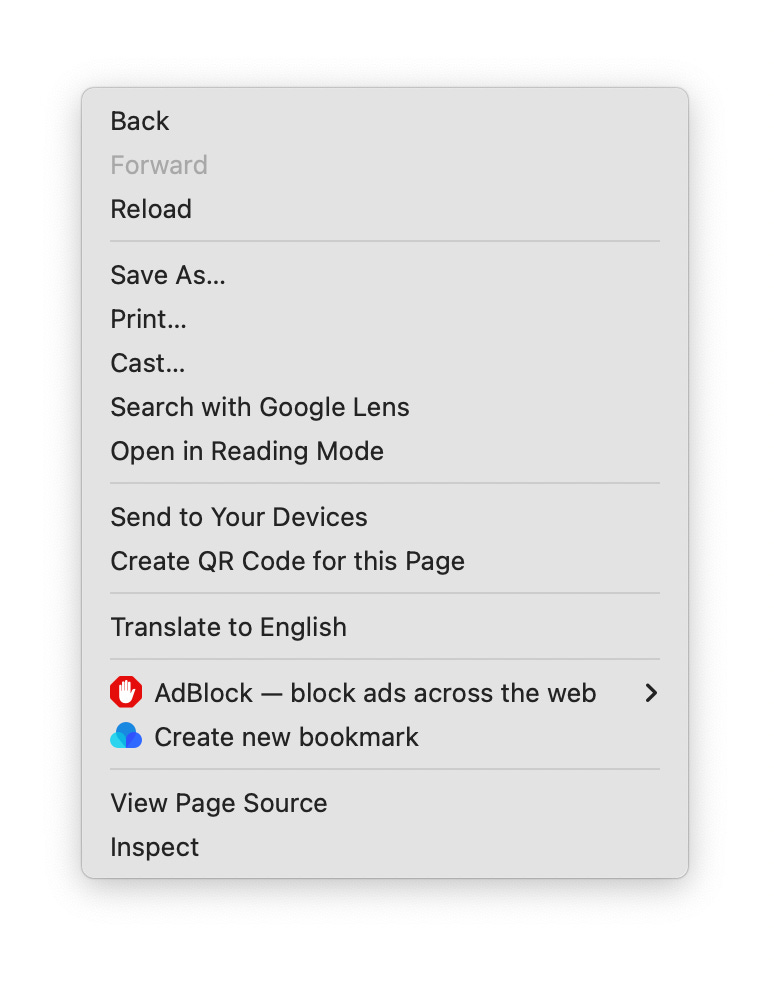
In the early web, you could peek at source code and literally learn how the site was built. That hasn’t gone away entirely, but fewer people bother to look. Right-click → View Source or Inspect. You’ll find hidden gems: commented-out code, forgotten links, even easter eggs. Swifties used this to predict merch drops (though to be honest, predicting Swift merch is like predicting streaming prices will increase1). Even Substack has a hidden easter egg buried in its code2. Looking where you’re not expected to is the essence of rabbit holing.
The Three-Click Rule
If you’re not at least three links away from where you started, you’re not deep enough. It’s time to…...Click! That! Hyperlink!
Then another.
Then another.
Theeeeeeeeen another.
Don’t be afraid of new tabs. Don’t be afraid of your messy history. That’s the whole point.
Homework
Six Degrees of Wikipedia
Come up with two completely different topics. Search one in Wikipedia and start on that page. Reach the other only by clicking hyperlinks inside the articles. Count how many clicks it takes you. This will train you to follow the trail.
Starter Prompts:
One Direction → The Oregon Trail
Rubiks Cube → Lean Cuisine
Coffee → The Bermuda Triangle
Winnie the Pooh → Quantum Mechanics
Minecraft → The Library of Alexandria
Kermit the Frog → The Byzantine Empire
Inspect & Report
Pick a site you use daily. Open Inspect. What’s hiding in there? A careers page? A comment? A weird leftover link?
The Everyday Object Test
Grab something in your room (your mug, hoodie, cat breed). Dig into it until you find one fact so bizarre you have to text it to someone.
We’ve turned the internet into a vending machine. Push a button, get the Coke. If it doesn’t spit it out fast enough, beat the living shit out of it until it gives you two cokes. Instead, rabbit holing retrains both your curiosity and your patience. It reminds you the internet is more like a labyrinth, and the labyrinth rewards wanderers.
Resources
The Wiki Game → I actually just found this. There’s a website version of the game, so you don’t even really need my starter prompts. See, wandering works!
https://en.wikipedia.org/wiki/Special:Random → Use this link to get a random Wikipedia article similar to the deprecated “I’m Feeling Lucky” button on Google.
Unit Three: The Art of the Search
The Search is a lost art. Once the most powerful tool of the internet, it now sits quietly at the top of every screen, ignored while people let feeds decide for them.
But searching is like spell-casting; The right mix of characters and symbols unlocks doors no algorithm would ever hand you. With practice, you can summon forgotten PDFs, hidden forums, and whole worlds buried under SEO rubble.
This unit’s goal is to bring back the magic of The Search, and show you how to wield it like a wand again.
Summoning the Search
Use Your Operators
Typing random words into Google is like making a wish at 11:11—you might get what you want, but odds are it’s just vibes. Using operators is like ordering an Etsy witch to hex your ex-boyfriend (with expedited shipping). That shit actually works.
site: → Search inside one website or domain.
site:nytimes.com soup→ everything the New York Times has ever written about soup.
filetype: → Pull up specific kinds of files.
filetype:pdf cyberpunk→ research papers, zines, or old reports in PDF form.filetype:ppt Greek mythology→ random classroom slides
“ “ → Force an exact match.
“butterfly tattoos meaning”→ only results with that exact phrase
- → Exclude stuff you don’t want.
best laptops -ai→ skips the new AI Overview answers.
before: / after: → Time travel.
“Harry Potter fanfiction” before:2005→ early fandom results before AO3 dominated.
Switch Engines
Google is predictable. You know where everything is shelved—AI overview right on top with sponsored posts following after. To practice The Search, you must find stranger libraries.
Marginalia → A search engine built to surface small, forgotten sites instead of SEO-optimized links.
MillionShort → A search engine where you can remove the top thousand, ten thousand, or million websites from the search result.
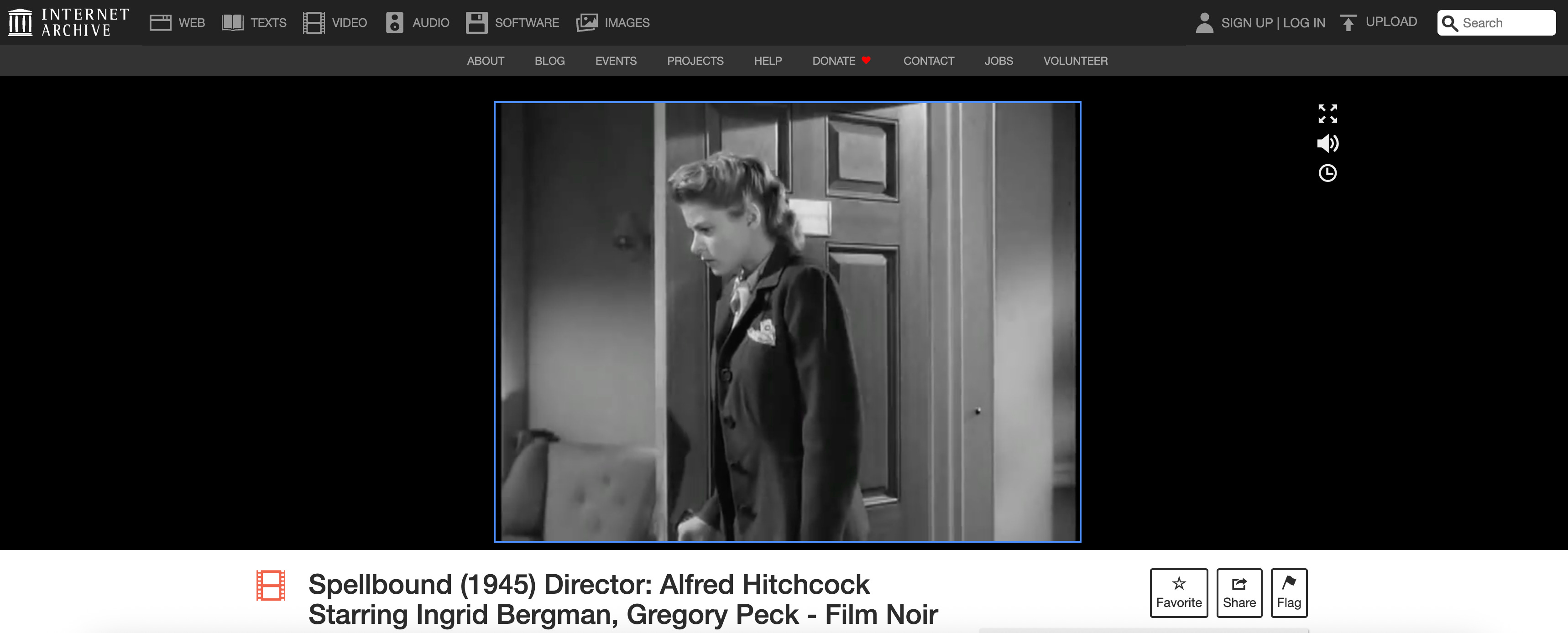
Archive.org → A time machine of dead sites, VHS tapes, and zines. This is also a great place for old movies! Currently watching: Spellbound
Kagi → A paid search engine (with free trials) designed to cut out spam and sponsored results.
Seek the Living Archives
This is my favorite part of The Search: forums.
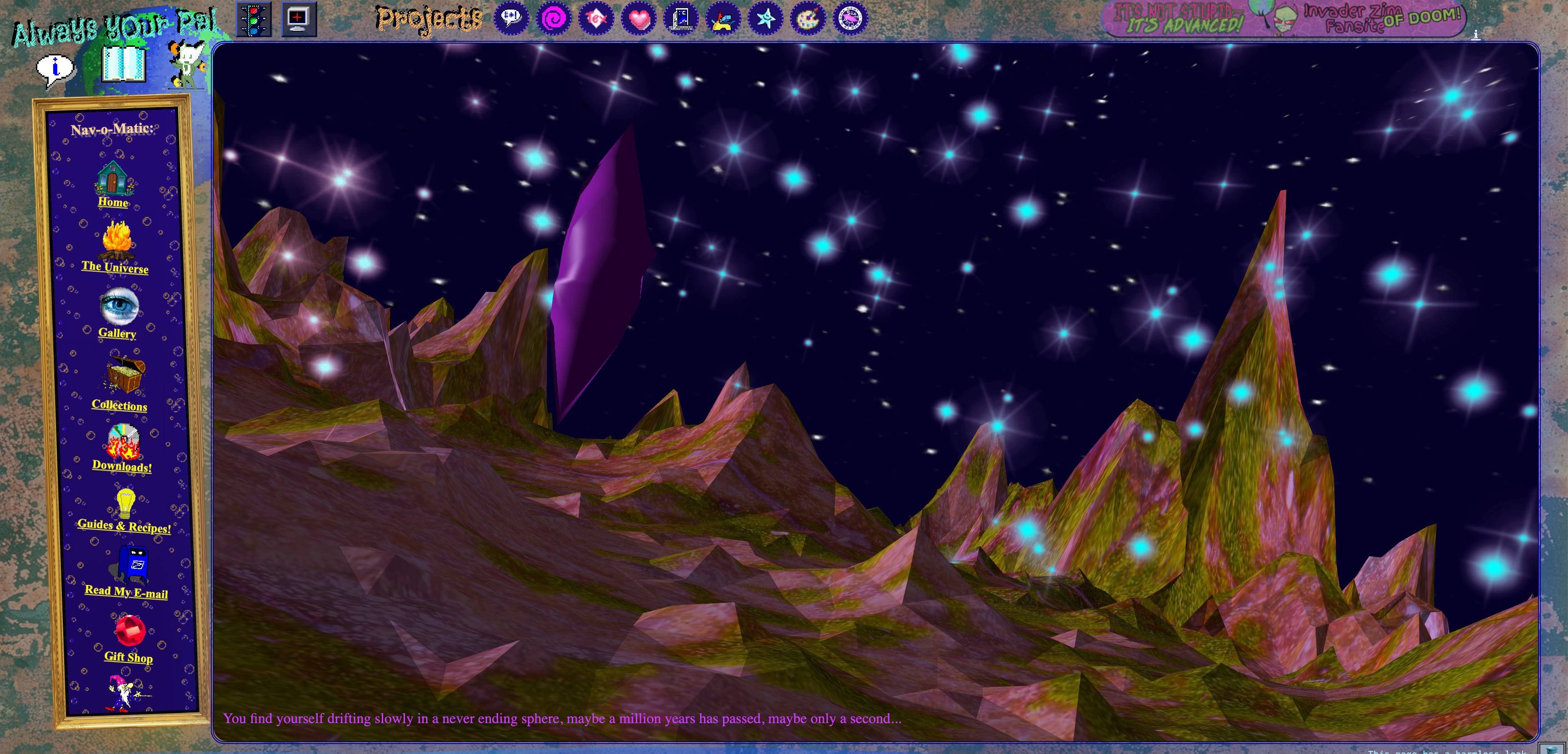
There’s something magical about old threads. Reading them feels like eavesdropping in another decade. You see facts, but also opinions in that exact moment of time. A thread from 2008 about iPods or Twilight or Geocities being deprecated feels like time traveling because you’re reading people as they lived it.
To find these, you have to dig:
“topic forum”→“hunger games forum”,“muppets forum”,“tattoo forum”site:proboards.com→ searches inside a massive old forum host.site:angelfire.comorsite:geocities.com→ Ghost towns from the early internet.before:2010→ time-travel into conversations before feeds swallowed everything
Even if the forum looks dead, the posts remain, and that’s COOL. It’s like wandering an abandoned city where the graffiti talks back.
Searches to Inspire You
site:.mil filetype:pdf UFO
site:.gov filetype:pdf “time travel”
site:.edu filetype:pdf “dream analysis”
filetype:pdf “cybernetics manifesto”
“guestbook” site:angelfire.com
“blogroll” site:neocities.org
“Twilight forum” before:2010
“Nintendo DS rumors” before:2004
filetype:pdf “coffee symbolism”
site:.edu history of the hoodie
Homework
Mirror Search: Take one phrase and run it through multiple different search engines: Google, Marginalia, Million Short, etc. Compare the results. Which did you prefer? Why?
Forum Anthropology: Find a niche forum. Lurk for 20 minutes. Take notes: what slang do they use? What was urgent to them in 2009?
The Forbidden PDF: If you couldn’t tell by my recommended searches, I LOVE a pdf. Pick a random curiosity. Use
site:.edu filetype:pdforsite:.gov filetype:pdfto find a paper. Read at least the first page and pretend it’s contraband.
Not everyone can summon a ghost from 2007, or find a PDF that was never meant to surface again. Learning The Search means learning to time travel, to argue with the past, and to drag forgotten knowledge into the present.
Unit Four: The Internet is a Playground
The coolest part about the internet is that it’s interactive. Books share knowledge through pages. Movies through scenes. But the internet? The internet is knowledge you can touch. Break. Play with. It’s sexy like that.
This unit teaches you how to play again. To stop treating the internet like a mall or a library or any of the other exhausting metaphors I’ve used through this piece, and start treating it like the world’s biggest……..one more metaphor for the road… jungle gym.
Instead of simply scrolling, you climb, you wander, you swing too far and fall on your ass. That’s the point.
Your Toybox
The internet is full of useless, delightful, and weird little toys that exist purely for play. Start there.
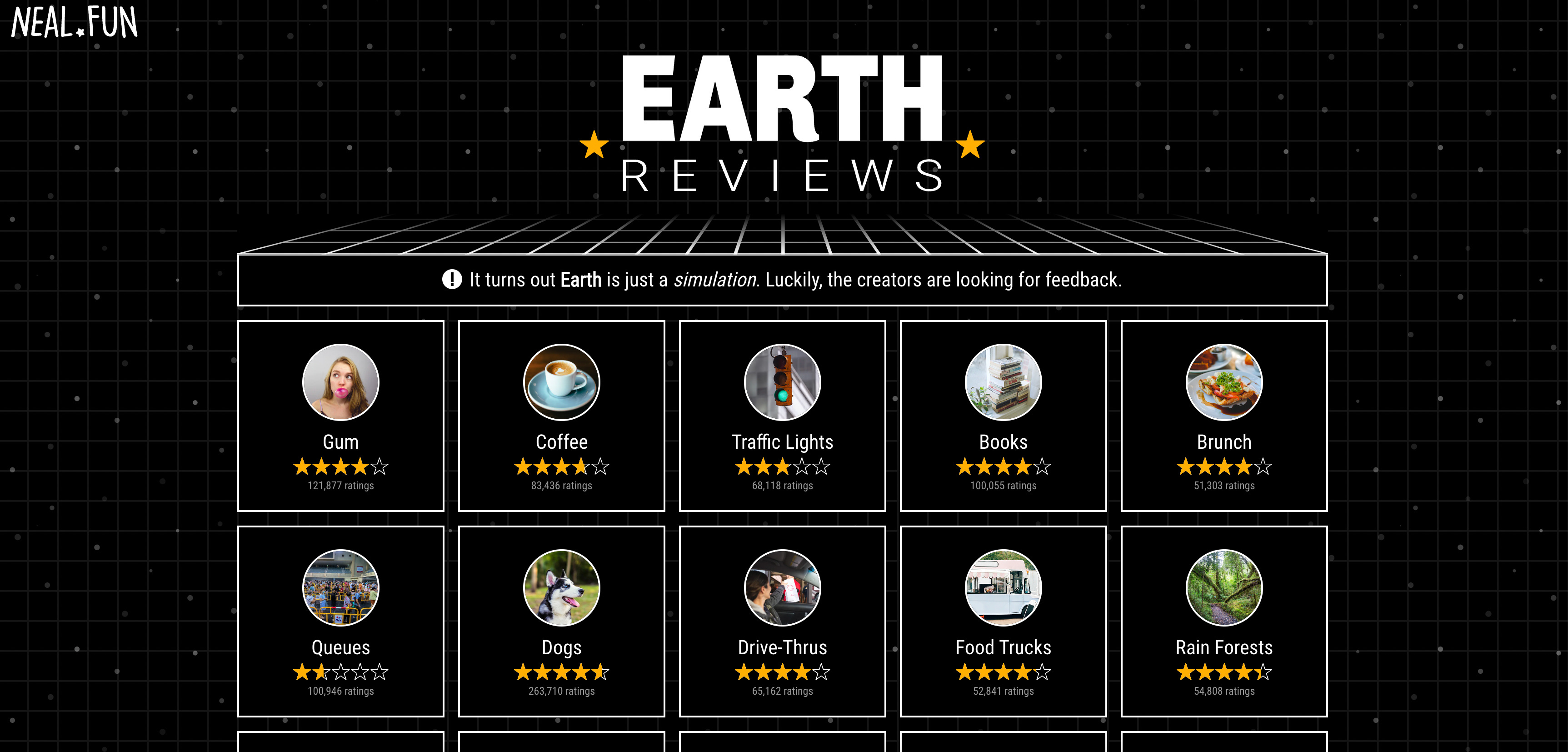
neal.fun → A collection of internet toys for your brain. Rank things no one asked you to rank (“Earth Reviews3”), solve absurd moral dilemmas (“Trolley Problems”), or waste fake government money like a reckless billionaire.
theuselessweb → One button that takes you to a useless site. It’s internet roulette, and half the fun is not knowing whether you’ll land on a digital screaming goat or a button that does absolutely nothing. I’ve spent much time procrastinating here.
patatap → Turn your keyboard into a one-person rave. Every letter makes a beat and animation.
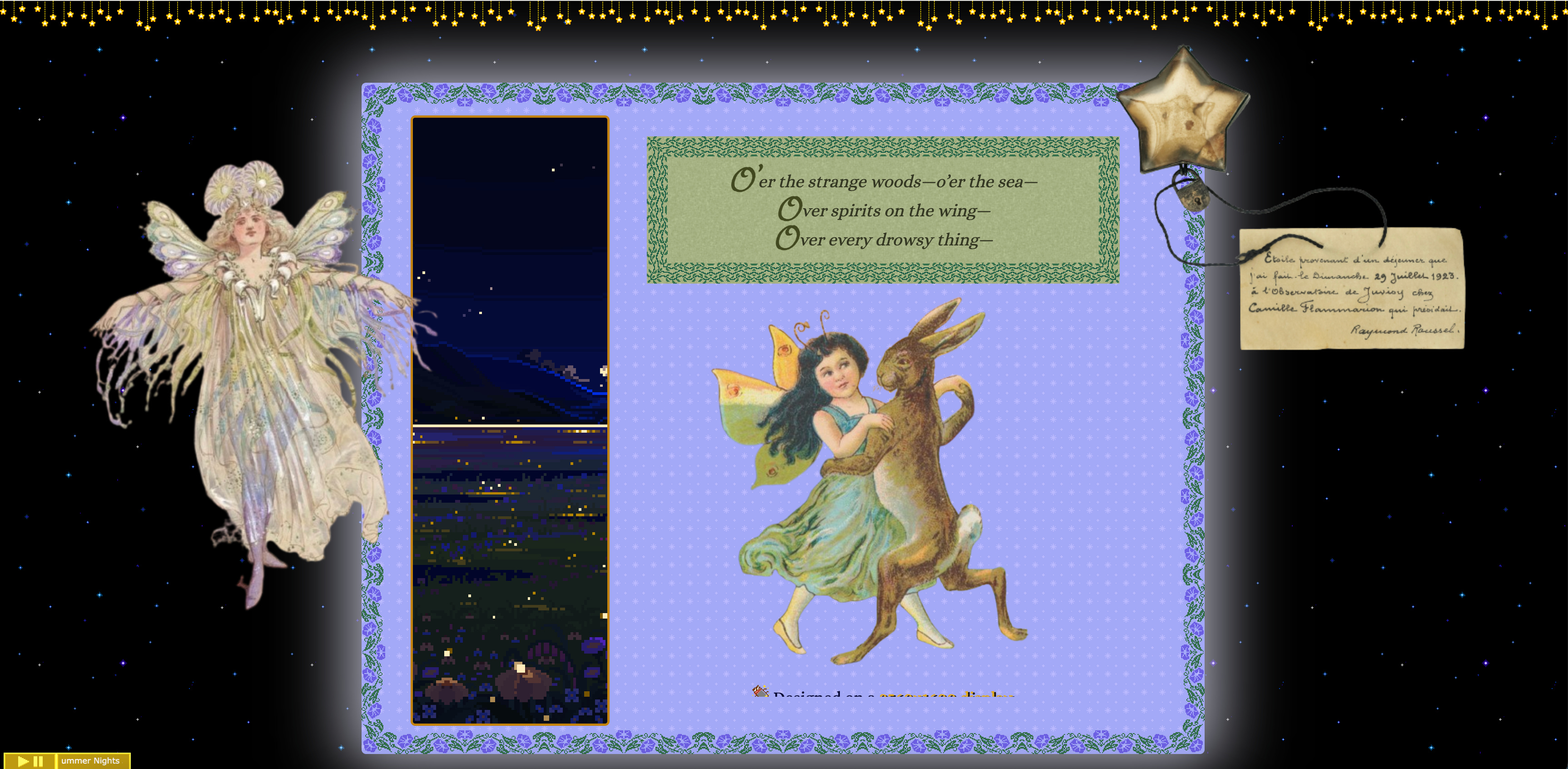
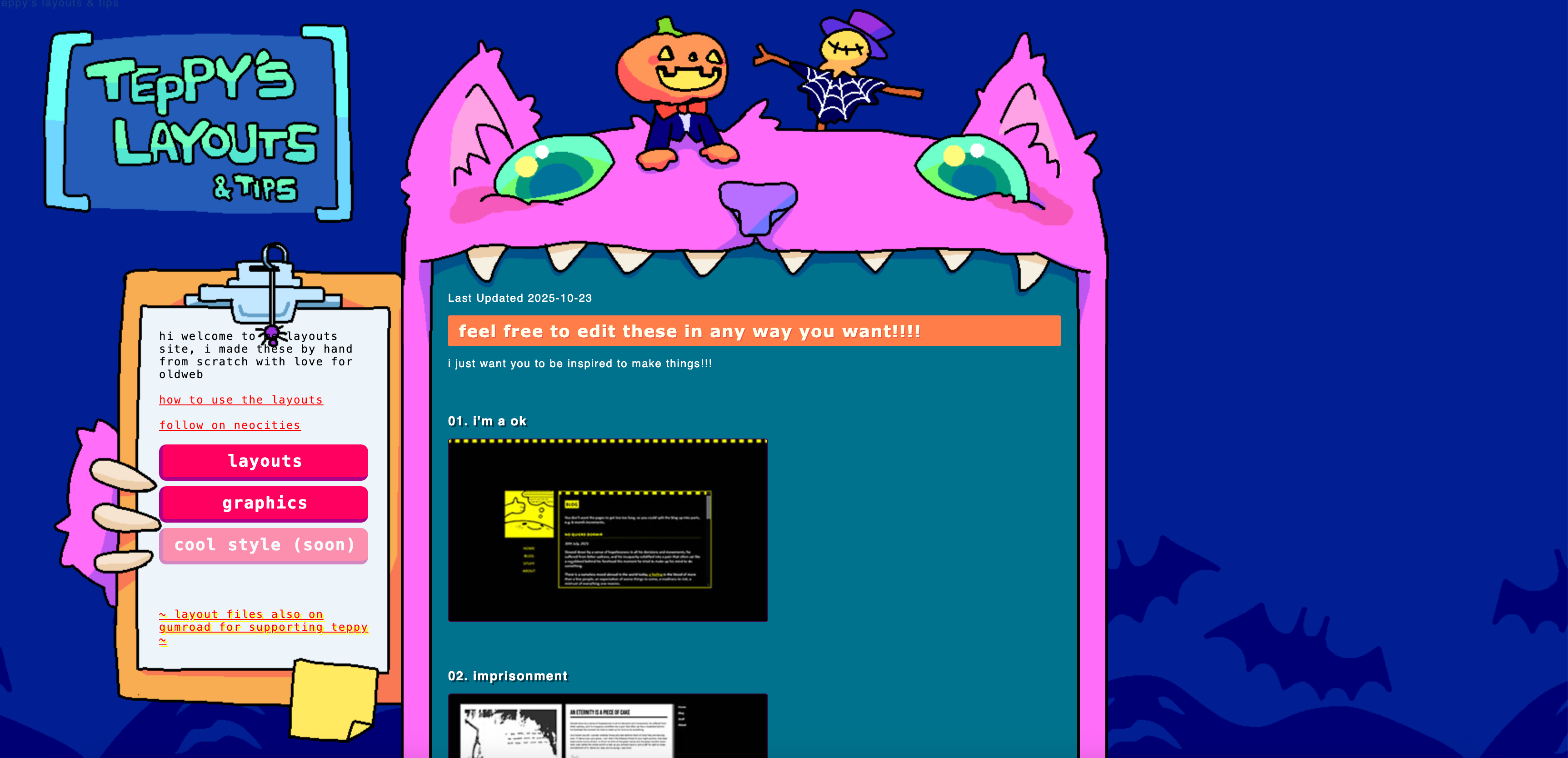
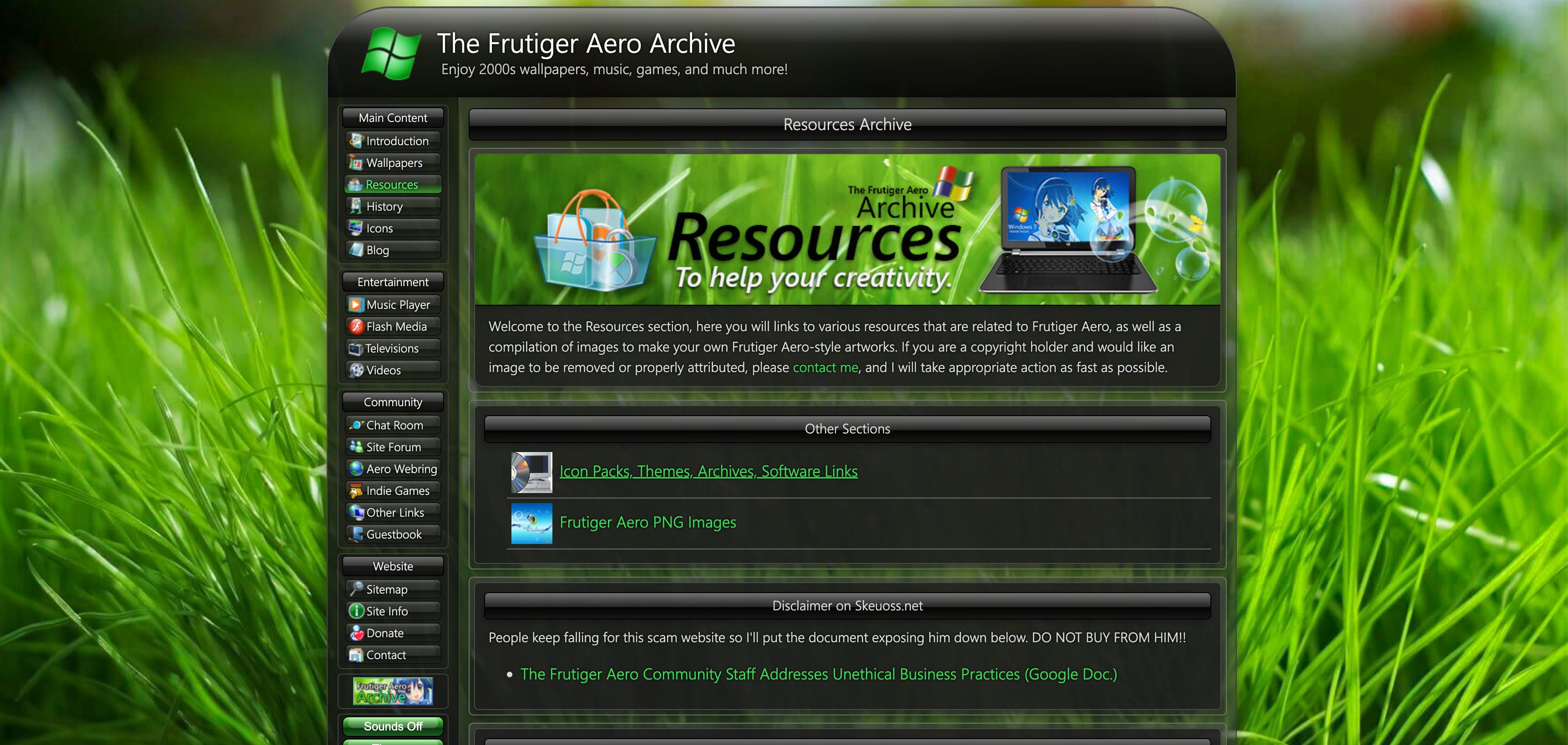
neocities → The Wild West of the modern web. Handmade personal sites, clashing backgrounds, autoplay music, half-finished projects. It’s chaotic, charming, and a reminder that the internet doesn’t have to look like a Silicon Valley pitch deck.
Break Stuff (Safely)
The beauty of the web is that you can poke at its skeleton without consequence. Remember back in Unit 2, where we peeked under the hood with Inspect to see what websites were hiding? You’re going to do that again, but this time, you’re going to change it. Right-click → Inspect on almost any site and you can edit the text or images in your browser. Change headlines, swap images, rewrite entire paragraphs, or crank the font until it screams in hot pink. Nothing breaks for real. It’s all local— just your browser showing you a temporary, alternate version of the web, but before we had AI images, this is how fake news started.
Examples to try:
Change a news headline to “Local Cat Becomes Supreme Court Justice.”
Add
color: hotpink; font-size: 200px;to a title and watch it scream at you in neon.Replace images with something dumb from your desktop
These change nothing but your display screen, however it’s a nice window into how the internet is built—and also a reminder that the web was never meant to be a glass box you just stare at.
Remix the Web
The internet isn’t finished, and it never will be. It’s copy-paste culture built for remixing. Stop thinking you need permission. You don’t even need to know how to code.
This is literally how internet culture was born. Glitter cursors, MySpace themes, Tumblr GIF walls—none of that came from scratch. People stole HTML snippets, broke them, duct-taped them back together until it looked like “theirs.”, and you can too! And you should! It’s fun!
Ways to start:
Collage the Web → Screenshot a random forum fight and layer it with stock images until it looks like a surrealist zine.
Neocities Frankensteins → View the source code of a hand-made Neocities page, steal a snippet, and drop it into your own. Make your own website!!!!
Rewrite History → Take a Wikipedia article and blackout words until it reads like poetry. Or rewrite it entirely so your cat is the protagonist of the Cold War.
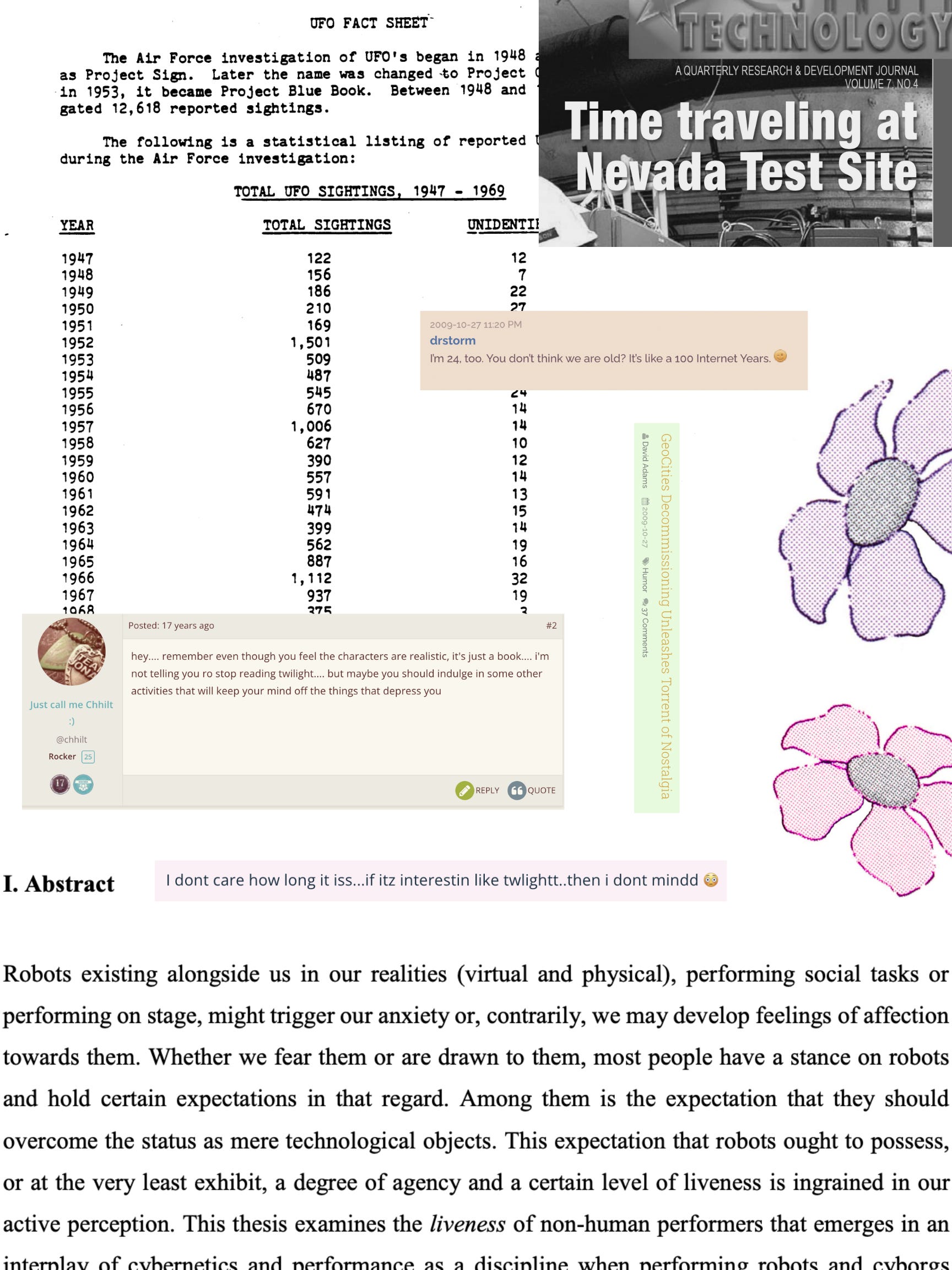
This is how the web was meant to be used: a sandbox where knowledge is cut up and reassembled into something new.
Make collages. Make art. Break it, bop it, twist it, ruin it on purpose. It’s play.
Unit Five: Build Your Own Corner
Exploring the internet is fun. Breaking it is fun. Remixing it is fun. But the real magic starts when you carve out your own corner.
The internet is made of corners—personal websites, tiny blogs, old forums, weird projects. It doesn’t matter if your corner is polished, half-broken, or visited by three people a year. What matters is that it’s yours.
Where to Start:
Substack blogs are a great place to start, but I’m assuming most of you know that. So, let me give you some other options! If you miss the tumblr themes of 2012, these are some options that replace that feeling.
Where to Start:
Neocities → The modern Geocities. Hand-build a personal site with raw HTML, bright backgrounds, and GIF chaos.
Carrd → A drag-and-drop site builder that takes five minutes. Great for a simple “about me” page.
Github Pages / Netlify → If you’re ready for more control, these let you host your own projects for free.
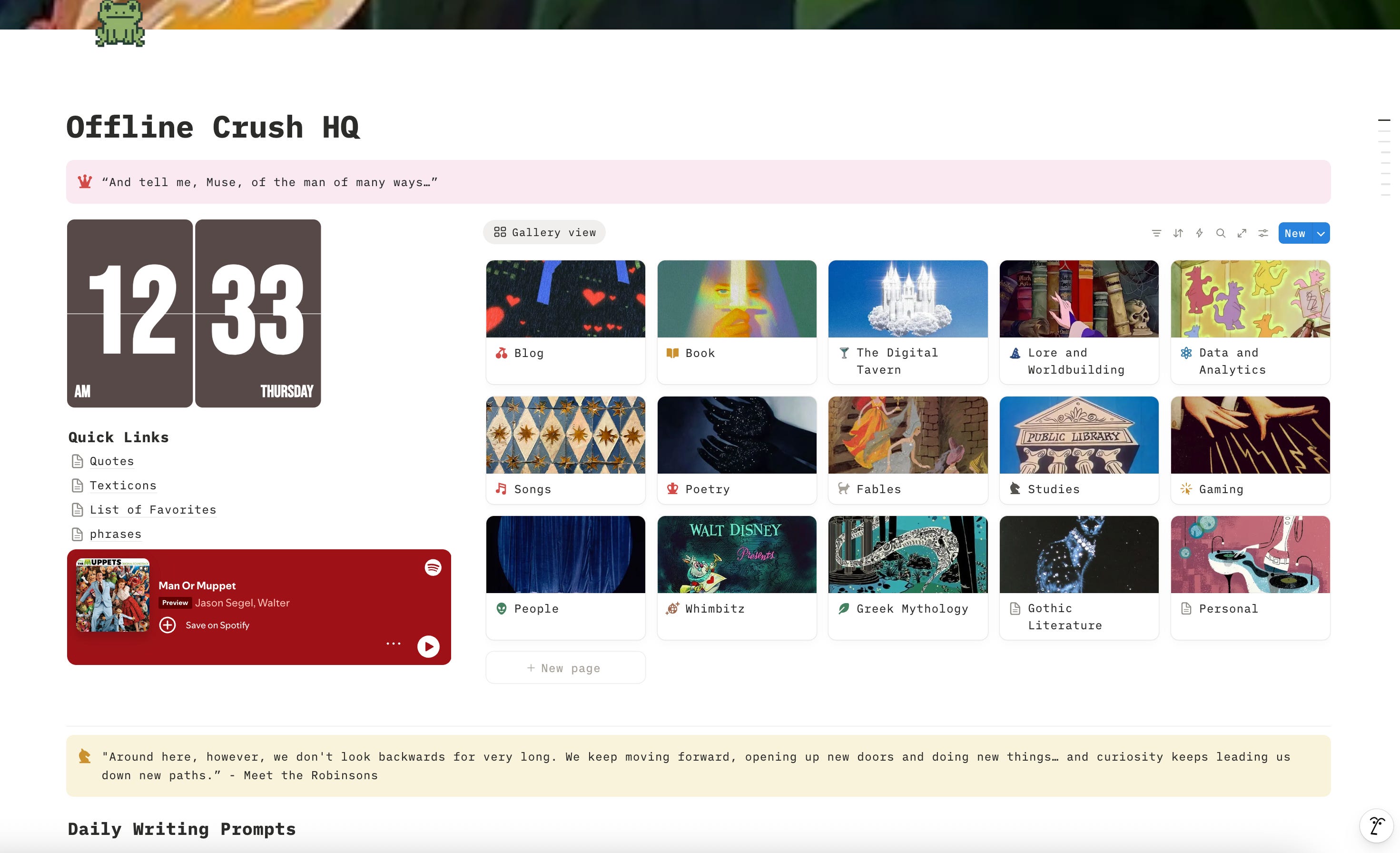
Notion / Are.na → Even a personal wiki or a visual scrapbook counts. If it’s a place where your taste lives, it’s a corner.
Ideas for Your Corner
A personal blog where you review soups. (please please please please)
A fan archive for an artist, show, or game nobody else cares about anymore.
A living “digital garden” of your notes, links, and unfinished ideas.
A mixtape site that pairs playlists with doodles or photos.
Your corner doesn’t have to be important to anyone, but you.
Homework
Plant the Flag → Pick one platform from the list and claim a space even if it’s just a blank page with your name.
Add One Weird Thing → Post something dumb but personal—a list of your favorite chips, a bad poem, a link you love.
Show One Person → Send your corner to a friend (if you want) just to prove it exists outside your head.
The mall feeds you. The playground distracts you. The rabbit holes keep you wandering, but the corner is yours.
And the internet needs more of ‘em. Go build one.
The Internet Is Still Alive
The internet isn’t dead. It isn’t just TikTok and Twitter. It isn’t a mall food court where you shuffle between the same five storefronts. That’s the lie the feeds want you to believe.
The internet is still a city. A labyrinth. A jungle gym. A sandbox. A living, breathing experiment where curiosity is rewarded and weirdness thrives.
You just forgot how to use it.
Now you know again.
You’ve tracked your habits. You’ve learned to rabbit hole. You’ve practiced the art of search. You’ve played, broken, remixed. And now you’ve planted your flag—your own corner of the web.
The algorithm isn’t your friend, but it’s not god either. You don’t have to beg it for scraps. You can leave. You can wander. You can build.
So stop scrolling. Start exploring. Make something dumb. Make something beautiful. Make something yours.
<3 brooklyn
https://variety.com/2025/tv/news/hbo-max-prices-increases-plans-2025-1236557671/
not that it helped me smh but it might help you
my FAVORITE. cracks me UP.
It didn’t even occur to me I wasn’t really using the internet. This reminds me of the hours I used to spend on stumbleupon. It would just take you to random websites and you could go down as many rabbit holes as you wanted
POV my internet search history:
- google: how to trick my pet into his bespoke halloween costume
- google: how to pawn off priceless French heirlooms without attracting suspicion
- youtube: diy Artek Aalto armchair 41 Paimio build tutorial
- ChatGPT: write me a compelling alibi for the time of Louvre heist